Practice: Grouping assets
To practice what you’ve learned about asset groups, organize the assets in your project by:
- Using the asset decorator method to:
- Add
taxi_trips_fileto theraw_filesgroup - Add the
taxi_zonesandtaxi_tripsassets into aningestedgroup
- Add
- Using the asset submodule method, add the
adhoc_requestasset into arequestsgroup
Check your work
The asset groups you built should look similar to the code contained in the View answer toggle. Click to open it.
For the asset decorator method:
For the assets in the raw_files and ingested groups, your assets should look like this:
@dg.asset(
    group_name="GROUP_NAME"
)
def name_of_asset():
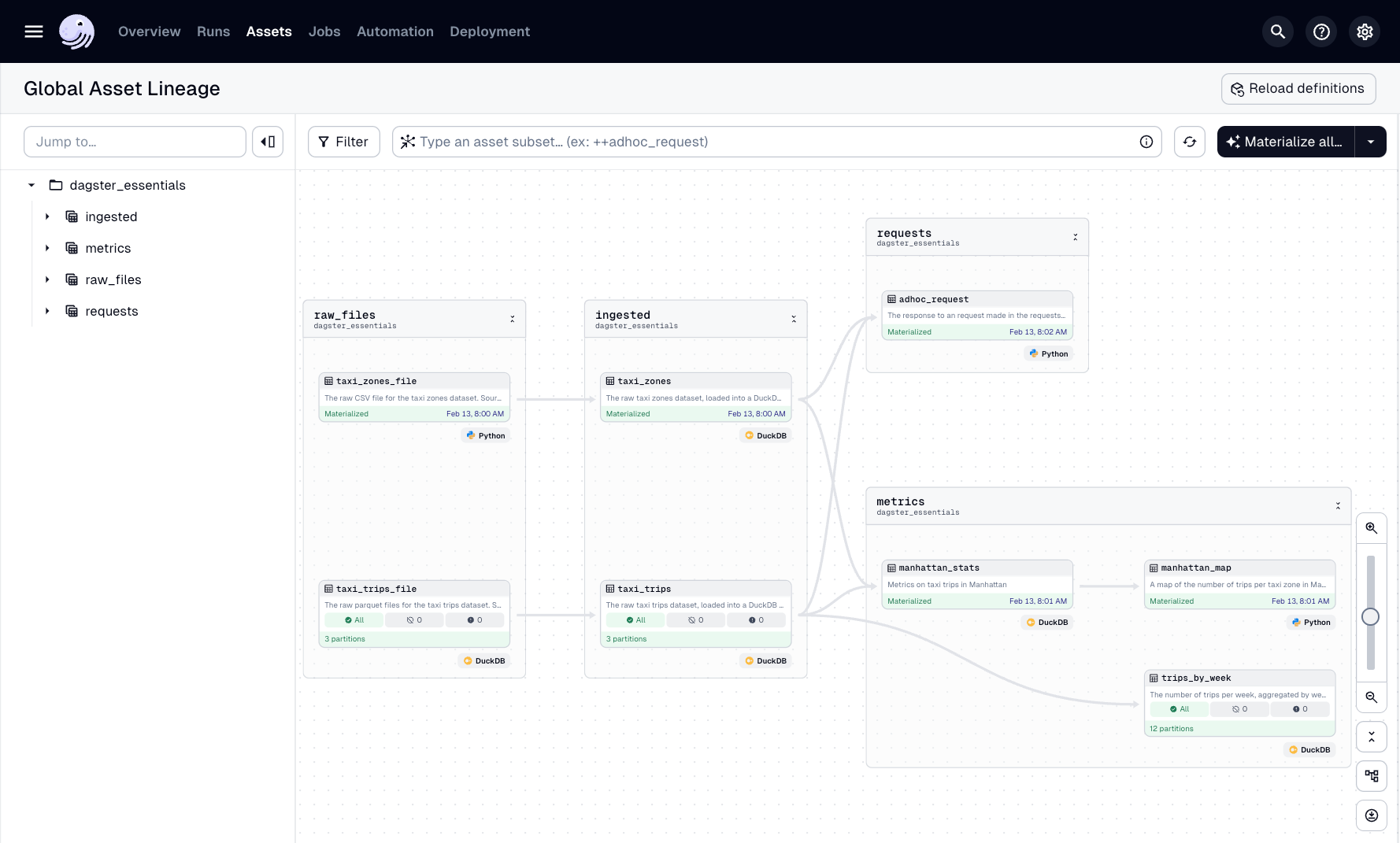
The Dagster UI:
After adding the assets to the groups, the asset graph should look like this: